06. 24, 2026
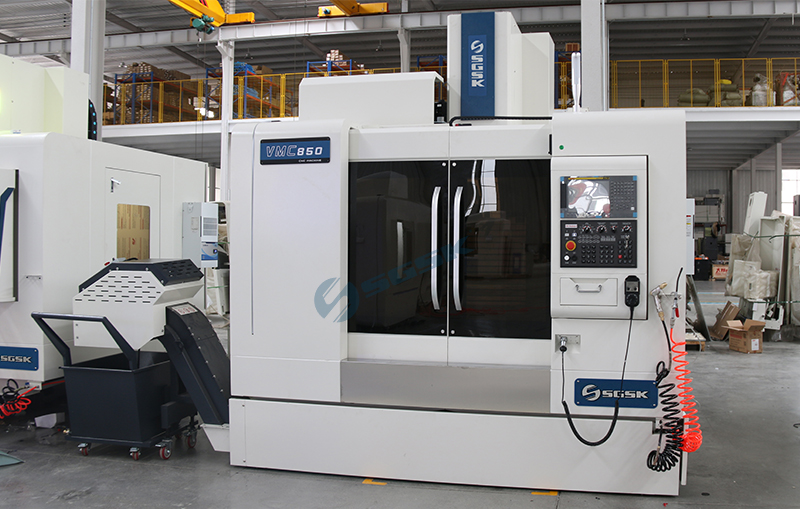
In CNC machining, it's common to encounter situations where the FANUC CNC panel fails to display anything. Here are some possible reasons:
1. Power Supply Issues: Unstable power supply, loose power cords, or power failures can all cause the FANUC CNC system panel to have no display.
2. Screen Failure: The FANUC CNC system panel display may be faulty or damaged, such as a loose screen connection cable or a damaged screen itself.
3. Connection Issues: The data cable connecting the FANUC CNC system host and the display screen may have poor contact or be damaged, preventing normal communication.
4. Display Settings Issues: Incorrect display settings, possibly due to misoperation or system settings, can prevent the panel from displaying information correctly.
5. Controller Failure: The FANUC CNC system controller may be malfunctioning, affecting data transmission and display.
6. Memory Issues: Damaged memory or corrupted data in the memory can prevent the system from starting up and displaying information.
7. Sensor Failure: Some FANUC CNC systems may be affected by sensor malfunctions, resulting in incorrect information display or interaction.
8. Power Board Failure: A power board failure in the FANUC CNC system may result in insufficient power supply, affecting the normal operation of the display screen.
9. Control Board Failure: A control board failure in the FANUC CNC system may also cause display problems, such as a problem with the chips or wiring on the control board.
Navigation
Tel.: +86 632 5083 879
Mob.: +86 151 6326 5369
Wechat: +86 151 6326 5369
E-mail: info@gskequipment.com
WhatsApp: +86 151 6326 5369